











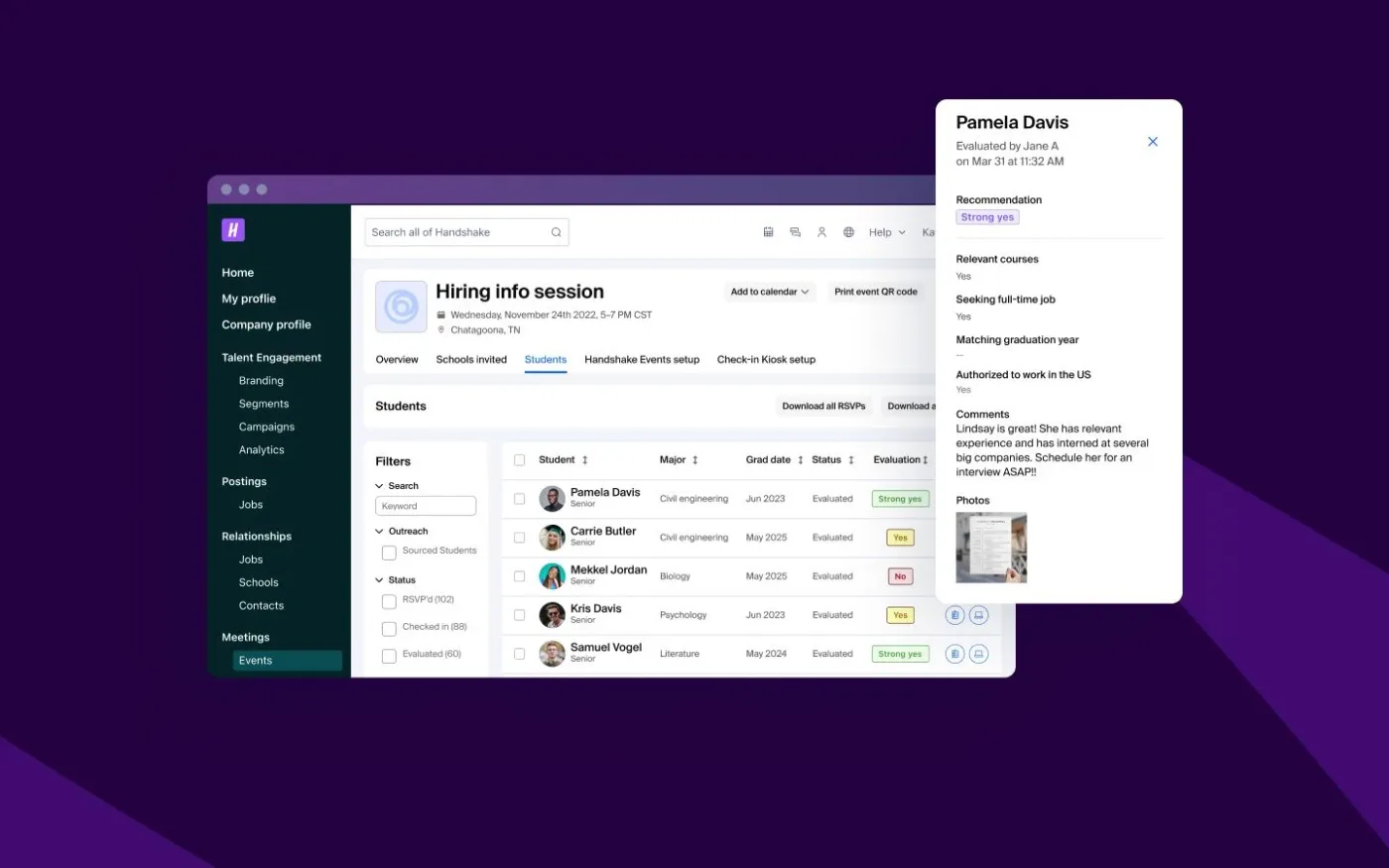

How Handshake cut questionnaire effort by 90% for Fortune 100 reviews
90%
Of questionnaire work done by AI
<2 days
Turnaround, down from five
HECVAT is the Higher Education Community Vendor Assessment Toolkit, published by EDUCAUSE. EDUCAUSE describes it as a questionnaire that lets an institution evaluate third-party providers, address potential risks to the institution, and select the right technology solutions for its campus. If you sell software to a university, this is the workbook that arrives.
Built for GRC, customer trust and sales engineering teams.
The HECVAT is the Higher Education Community Vendor Assessment Toolkit, an Excel questionnaire EDUCAUSE publishes so that a college or university can review a technology vendor’s cybersecurity, privacy, IT accessibility and compliance practices in one place. The solution provider fills it in and returns it as Excel. Because the workbook describes your product rather than any one campus, EDUCAUSE says you can share the completed file with as many potential customers as needed without making changes.
Almost everything written about HECVAT is written for the buyer. This page is written for the vendor who has to answer it. For the step-by-step version, read how to complete a HECVAT. Buyers outside higher education send a different standard workbook, most often a SIG questionnaire, which the same evidence answers.
Colleges and universities do, through the office that owns the purchase. The request usually arrives from IT procurement, an information security office, or a vendor risk team, and it lands at the same moment as the contract. EDUCAUSE built HECVAT with community volunteers, Internet2 and REN-ISAC precisely so that every institution would stop writing its own assessment, which is why the same workbook shows up from unrelated campuses.
The workbook has tabs for the institution as well as the vendor. EDUCAUSE describes Institution Evaluation tabs that let a reviewer choose which categories count toward a solution’s score, mark individual items as non-negotiable so they collect in one place, and read a high risk score for a lighter-weight evaluation. Those tabs are how your response turns into a decision, so a thin answer in a non-negotiable row is expensive.
For years HECVAT shipped as separate files. A vendor picked HECVAT Lite for a lower-risk purchase, HECVAT Full for a deeper review, and the On-Prem edition for software that ran inside the institution’s own environment. Guidance written before 2025 still describes that split, and it is out of date.
EDUCAUSE announced that HECVAT 4 launched in January 2025 and rolls the HECVAT Full, Lite and On-Prem into one file. In the current workbook a solution provider starts by answering questions that guide it to the questions that apply to its own solution, which EDUCAUSE says alleviates the confusion about which version to complete. EDUCAUSE also describes new and updated artificial intelligence and privacy questions in HECVAT 4, so a response reused from an older workbook will have gaps in exactly the areas an institution is currently most alert to.
For a seller the practical consequence is to stop asking the institution which version to send. There is one file, and the scoping questions at the front of it decide the rest.
One completed Excel workbook, returned as Excel. EDUCAUSE is explicit that a completed assessment should always be shared as an Excel file, because saving it in another format renders it inoperable by the institution. A PDF of your HECVAT is not a HECVAT.
Inside it, EDUCAUSE advises that the questions be answered by whoever has the most complete knowledge of the product, which in practice means the file passes between several people to cover the cybersecurity, infrastructure, privacy and IT accessibility questions. If the institution sends it back, it comes back annotated. EDUCAUSE describes an Analyst Notes column whose entries populate back to the matching solution provider tab, so a returned workbook tells you exactly which rows were not good enough.
It is not a one-time artifact either. EDUCAUSE advises solution providers to update their HECVAT at least once per year. EDUCAUSE retired the Community Broker Index, the central place the community used to discover completed HECVATs, on 31 July 2025, saying that many of the HECVATs housed there had become outdated, and that the HECVAT Advisory Committee is exploring new ways to connect the higher education community to the companies using the toolkit. Until it does, the vendor holds the only current copy.
EDUCAUSE does not publish a completion time, and any vendor quoting you one is guessing. What EDUCAUSE does describe is the shape of the work, and the shape is what sets the calendar. It is one workbook, spanning cybersecurity, infrastructure, privacy and IT accessibility, answered by whoever has the most complete knowledge of each area, which means it moves between people.
That is the part worth optimising. The writing is rarely the bottleneck. Waiting on the one engineer who knows how key rotation works, and then waiting again next year because nobody wrote the answer down, is the bottleneck. Wolfia’s own writeup of how long a 200-question security questionnaire takes walks through where the calendar time actually goes on an assessment of this size.
Answer the Required questions on the START HERE tab before anything else, then fill in only the worksheets those answers open up. EDUCAUSE states that your answers to the Required questions, REQU-01 through REQU-08, provide guidance on which part of the remaining worksheets apply to your product or service, so those eight answers decide how much of the file you have to complete at all.
After that the work is routing, not writing. Split the cybersecurity, infrastructure, privacy and IT accessibility questions between the people who each know one of them, answer every row from a document you could hand a reviewer, and send the workbook back as Excel. EDUCAUSE also says you do not need to complete any of the tabs with an evaluation title, because the institution uses those to compare your answers against its own policies and risk appetite.
The second HECVAT is where the saving is. Because the workbook applies to your solution rather than to a specific college or university, one maintained set of answers serves every institution that asks and turns the annual refresh into a review. The step-by-step guide walks the whole file in order.
Institutions reuse the same HECVAT rows year after year. These are the ones that take the longest to answer the first time, each with an expert answer you can adapt.
Yes. You upload the workbook the institution sent you. Wolfia reads the response tabs, drafts an answer for every row from your existing policies, audit reports and past responses, cites the source behind each one so a reviewer can check it, and writes the answers back into the same Excel file. Your team reviews rather than writes, and the non-negotiable rows get the attention the institution is going to spend on them.
Reads the workbook an institution sent you, drafts every response tab, and writes the answers back into the same Excel file.
Keeps the policies, audit reports and architecture notes behind those answers current, so next year the refresh is a review instead of a rewrite.
Publishes the documentation an institutional reviewer asks for alongside the workbook, so the follow-up email is shorter.
Fills the same answers into a procurement portal when the institution routes its assessment through one instead of emailing a file.
Wolfia is priced around the work it does for you rather than per seat, so the whole team can be in the workbook. See how pricing works.
HECVAT stands for the Higher Education Community Vendor Assessment Toolkit. EDUCAUSE describes it as a questionnaire that lets an institution evaluate third-party providers, address potential risks to the institution, and select the right technology solutions for its campus. It is distributed as a Microsoft Excel workbook, and the solution provider fills in the response tabs.
No. EDUCAUSE announced that HECVAT 4, which launched in January 2025, rolls the HECVAT Full, Lite and On-Prem into one file. Instead of picking a version up front, a solution provider starts by answering questions that guide it to the questions that apply to its own solution, which EDUCAUSE says alleviates the confusion about which version to complete.
The solution provider does. A college or university sends the workbook when it is buying or renewing a technology product, and the vendor returns the completed response. EDUCAUSE advises that the questions be answered by whoever has the most complete knowledge of the product, which usually means the workbook passes between several people to cover the cybersecurity, infrastructure, privacy and IT accessibility questions.
From EDUCAUSE. EDUCAUSE owns the copyright and makes HECVAT 4 available at no cost and without further license to colleges and universities, and to their vendors for use in higher education business relationships. Any other party, including a third-party risk management platform that wants to integrate HECVAT 4 into its own product, has to obtain specific permission and a license from EDUCAUSE first, so Wolfia links to the official EDUCAUSE download rather than hosting a copy.
EDUCAUSE advises solution providers to update their HECVAT at least once per year. That cadence is why the answers are worth keeping in a maintained knowledge base rather than in the last workbook you emailed.
HECVAT 4. EDUCAUSE names 4.1.6 as the current version on its HECVAT page and publishes the changes made between versions in its issue tracker, so check the version of any workbook you were sent before you start answering it.
Start on the START HERE tab. EDUCAUSE states that your answers to the Required questions, REQU-01 through REQU-08, provide guidance on which part of the remaining worksheets apply to your product or service, so those eight answers decide how much of the workbook you have to fill in at all. Then split the cybersecurity, infrastructure, privacy and IT accessibility questions between the people who each know one of them, answer every row from a document you can hand over, and return the file as Excel.
Yes. Wolfia reads the workbook an institution sent you, drafts an answer for every applicable row from your own policies, audit reports and past responses, cites the source behind each answer so a reviewer can check it, and writes the answers back into the same Excel file. Handshake, which answers customer questionnaires of 100 to 200 questions, brought five-day turnarounds down to under two days with 90 percent of answers needing no edits.
Wolfia does. The same knowledge base answers a HECVAT workbook, a CAIQ, a SIG and the custom spreadsheet a buyer wrote itself, because the underlying questions repeat across all of them and only the format changes. Every answer carries a citation to the document it came from, so a reviewer checks the source rather than the wording.
Yes. Wolfia answers the workbook from your existing documentation, with every answer citing the source it came from, and returns the file in the Excel format the institution expects. Book an exploratory call and bring the workbook an institution has already sent you.
90%
Of questionnaire work done by AI
<2 days
Turnaround, down from five
Every statement above about the toolkit itself comes from EDUCAUSE, which publishes and owns HECVAT. The workbook is downloaded from EDUCAUSE, not from this page.
See Wolfia answer your security questionnaires, RFPs, contract redlines and trust center requests. Unlimited seats and outcome-based pricing.
Book a demo