











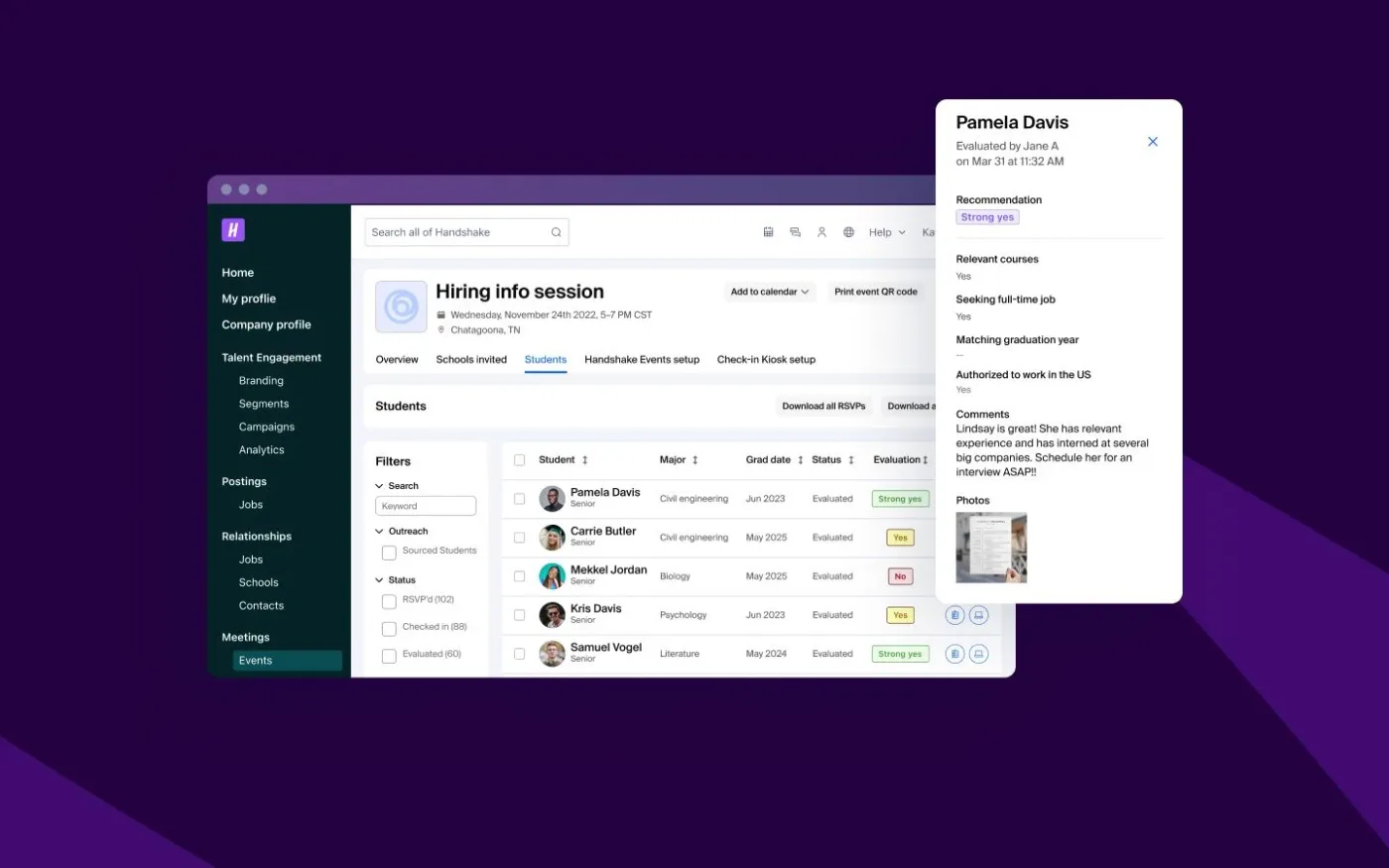

How Handshake cut questionnaire effort by 90% for Fortune 100 reviews
90%
Of questionnaire work done by AI
<2 days
Turnaround, down from five
A university sent you the Higher Education Community Vendor Assessment Toolkit and someone on your side has to fill it in. This is the order to do it in, written for the solution provider rather than for the institution scoring you.
Built for GRC, customer trust and sales engineering teams.
You complete a HECVAT by answering the Required questions on the START HERE tab, which EDUCAUSE says guide you to the part of the remaining worksheets that applies to your product, then completing the Organization tab and every other question that applies to your solution. Answer each row from documentation you could hand a reviewer, leave the evaluation tabs alone because the institution scores you in those, and send the finished file back as Excel.
If you want the background first, start with what HECVAT is and who asks for it.
The workbook itself comes from EDUCAUSE, which publishes and owns it. Download it from the EDUCAUSE toolkit page if the institution did not attach a copy.
Spend the first ten minutes on the START HERE tab and the next ten assigning owners. Those eight Required questions decide how many rows you have to answer, and the assignment decides how long the answers take to arrive. Everything else on this page is downstream of those two moves.
The part teams get wrong is treating each institution as a new project. EDUCAUSE points out that the HECVAT applies to your solution instead of to any specific college or university, so one completed workbook can go to as many potential customers as needed without changes, and the yearly refresh is the only recurring work the toolkit actually asks of you.
Step 1
Open the file before you plan anything. EDUCAUSE announced that HECVAT 4 launched in January 2025 and rolls the HECVAT Full, Lite and On-Prem into one file, so a request that still asks you to pick Lite or Full is running on older guidance. If the workbook you received is one of the retired editions, ask the institution whether it wants HECVAT 4 instead of quietly answering the old one, because your answers will not transfer cleanly later.
Step 2
HECVAT 4 opens with questions that decide the rest of the assessment. EDUCAUSE describes solution providers starting by answering questions that guide them to the questions that apply to their solution, which alleviates the confusion about which version to complete. Get these wrong and you either answer hundreds of rows that never applied to you, or you hide the rows the reviewer was waiting for. No other ten minutes in the file matter more.
Step 3
EDUCAUSE advises that HECVAT questions be answered by whoever has the most complete knowledge of the product, and notes the questionnaire may pass between several people to accurately answer the cybersecurity, infrastructure, privacy and IT accessibility questions. Assign those four areas by name on day one. The delay on a HECVAT is almost never the typing, it is a row sitting unowned while everyone assumes someone else has it.
Step 4
Every claim you make is a claim a security reviewer can ask you to evidence. Answer from the policy, the audit report or the architecture note that already says it, and keep the pointer next to the answer while you write. If a question asks for something you have not built yet, say so plainly and say what you do instead, rather than writing a sentence that reads like a yes.
Step 5
The workbook scores you. EDUCAUSE describes Institution Evaluation tabs that let a reviewer choose which categories to include in a score, mark items as non-negotiable so they collect into their own tab, and see a high risk score for a lighter evaluation. You will not know which rows the institution marked, so the safe assumption is that any answer you would be embarrassed to defend on a call is one of them.
Step 6
EDUCAUSE is explicit that a completed assessment should always be shared as an Excel file, because saving it in another format renders it inoperable by the institution. Exporting to PDF, pasting the answers into an email, or rebuilding the workbook in another tool all break the tabs the reviewer scores you in. Send back the same file, filled in.
Step 7
A returned HECVAT is not a rejection, it is a worklist. EDUCAUSE describes an Analyst Notes column whose entries populate back to the appropriate solution provider tab, so the institution can send the workbook back for more information and you can see exactly which rows it wants improved. Answer those rows in the same file rather than starting a new thread.
Step 8
EDUCAUSE advises solution providers to update their HECVAT at least once per year. Write the answers somewhere reusable now, while the reasoning is fresh, so the annual refresh and the next institution are both a review rather than a rebuild. Wolfia exists because that step is the one everybody skips.
Steps three through five are the ones that consume a week. Wolfia reads the workbook, drafts an answer for every applicable row from the documentation you already have, and cites the source behind each answer so the person reviewing it can check the claim instead of re-deriving it. The file that comes out is the same Excel file that went in, which is what the institution needs.
The Questionnaire Agent handles the workbook, the Knowledge Base Agent keeps the underlying answers current for the annual refresh, and the Chrome Extension Agent covers the institutions that route their assessment through a procurement portal rather than an attachment.
Answer the Required questions on the START HERE tab first, because EDUCAUSE states that those answers, REQU-01 through REQU-08, provide guidance on which part of the remaining worksheets apply to your product or service. Complete the Organization tab and every other question that applies, split the cybersecurity, infrastructure, privacy and IT accessibility rows between the people who each know one of them, answer from documents you already have, and return the workbook as Excel.
On the START HERE tab. EDUCAUSE instructs solution providers to begin there, because the answers to the Required questions decide which of the remaining worksheets apply to your product or service. EDUCAUSE then requires the Organization tab as well, plus every other question that applies to your solution.
No. EDUCAUSE states that a solution provider does not need to complete any of the tabs with an evaluation title, because the institution uses those tabs to compare your answers against its own policies and appetite for risk. The evaluation tabs are where your answers get scored, not where you write.
No. EDUCAUSE announced that HECVAT 4, which launched in January 2025, rolls the HECVAT Full, Lite and On-Prem into one file, and that solution providers start by answering questions that guide them to the questions that apply to their solution. The scoping questions at the front of the workbook do the job that choosing a version used to do.
EDUCAUSE advises that the questions be answered by whoever has the most complete knowledge of the product, and notes that this may mean the questionnaire passes between several people to accurately answer the cybersecurity, infrastructure, privacy and IT accessibility questions. In practice that is security, infrastructure or platform engineering, privacy or legal, and whoever owns accessibility conformance.
No. EDUCAUSE states that when sharing completed assessments the file should always be shared as an Excel file, because saving it in another format renders it inoperable by the institution. Return the workbook in the format you received it.
It is asking for more detail on specific rows. EDUCAUSE describes an Analyst Notes column that populates back to the appropriate solution provider tab, so a returned HECVAT shows you the reviewer notes inline and you can add the information they asked for in the same file.
EDUCAUSE advises solution providers to update their HECVAT at least once per year. Treat the completed workbook as a snapshot of a knowledge base you keep current, not as the record of truth itself.
Where HECVAT sits next to SIG, CAIQ and the custom assessments a buyer writes itself, and the general response playbook HECVAT is one instance of.
Where the calendar time actually goes on an assessment the size of a HECVAT, and which parts compress.
How to answer a row you cannot evidence yet without writing something the reviewer will later call a misrepresentation.
The step that turns the annual HECVAT refresh into a review instead of a rewrite.
Why a HECVAT row answered from memory rather than from evidence is the one a buyer comes back to.
90%
Of questionnaire work done by AI
<2 days
Turnaround, down from five
Every instruction above that describes the toolkit itself comes from EDUCAUSE, which publishes and owns HECVAT. The workbook is downloaded from EDUCAUSE, not from this page.
See Wolfia answer your security questionnaires, RFPs, contract redlines and trust center requests. Unlimited seats and outcome-based pricing.
Book a demo